
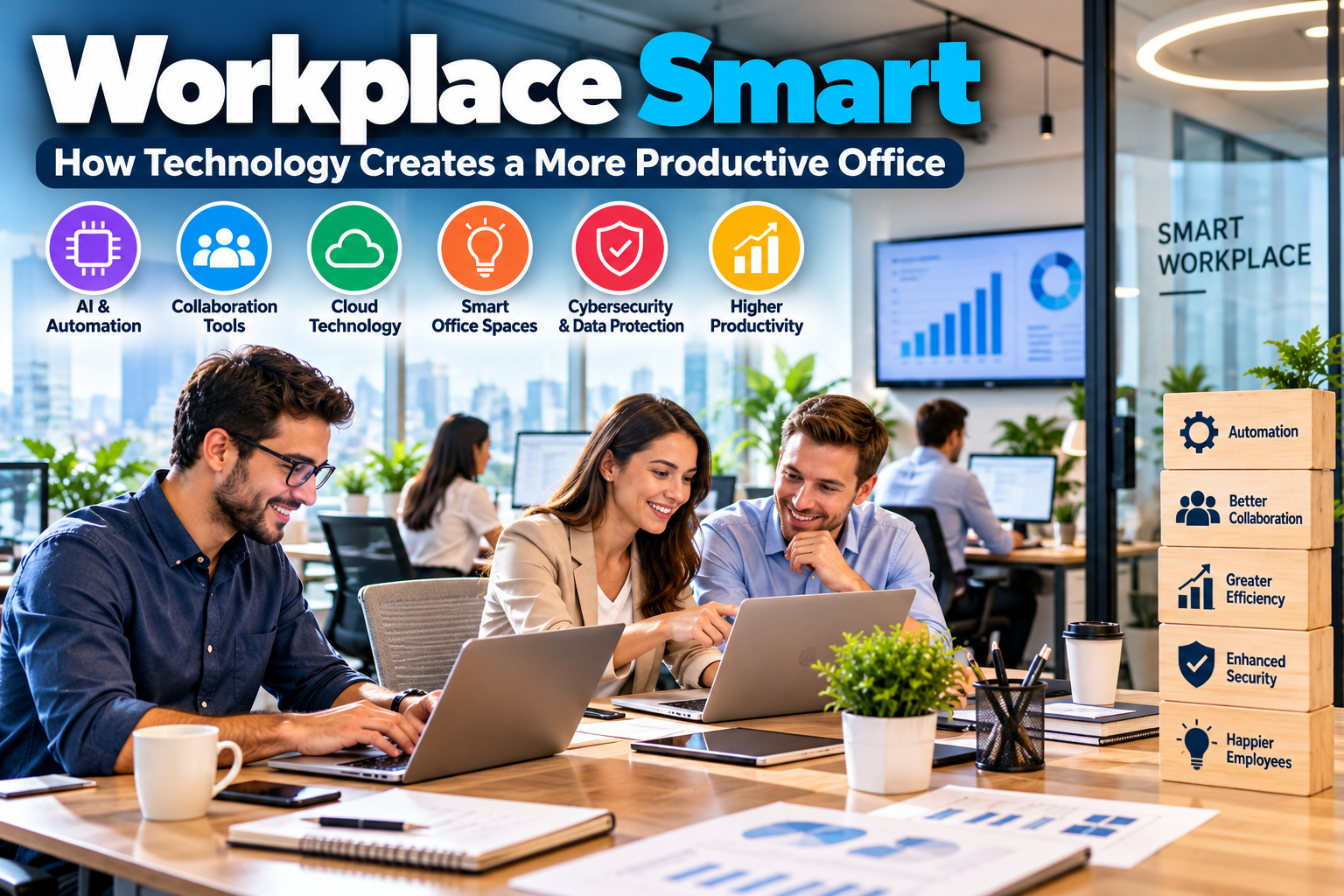
A workplace smart approach helps businesses combine technology, efficient processes, and employee-friendly systems to improve the way work gets done. From AI assistants and automated workflows to cloud collaboration and smarter office spaces, the right solutions can reduce repetitive tasks and help teams focus on meaningful work.
However, creating a smarter workplace does not mean buying every new tool on the market. Businesses need to identify their biggest challenges, select suitable technologies, and train employees to use them effectively.
In this guide, you will discover how smart workplace solutions work, which technologies can improve productivity, and how small businesses can introduce practical improvements without overspending.
What Does Workplace Smart Mean?
The term workplace smart describes an approach to work that uses technology, automation, and better processes to make an organization more efficient.
A smart workplace may include digital communication platforms, AI-powered tools, cloud storage, automated scheduling, and connected office equipment. These systems help employees access information, coordinate projects, and complete routine tasks with less friction.
For example, a small marketing agency might use project management software to assign tasks, cloud documents to share files, and AI tools to prepare initial research summaries. Instead of switching between disconnected processes, the team can manage its work through a more organized system.
A workplace can also become smarter without introducing advanced technology. Clear responsibilities, well-designed workflows, and fewer unnecessary meetings can improve productivity just as meaningfully.
The goal is simple: help people do better work with the time and resources available.
Why Businesses Are Creating Smarter Workplaces
Businesses face pressure to improve productivity, manage costs, protect information, and provide a better employee experience. Smart workplace practices can support these goals when they address real operational needs.
1. Improve Employee Productivity
Employees often lose time searching for files, repeating data entry, waiting for approvals, or attending meetings that lack a clear purpose.
Digital tools can reduce these problems by organizing information and automating routine steps. For instance, an automated task reminder can notify the right person when a project deadline approaches.
As a result, employees can spend more time on customer service, creative work, problem-solving, and other valuable activities.
2. Reduce Operating Costs
Smart systems can help businesses identify unnecessary spending and use resources more efficiently.
Digital document management may reduce printing costs. Automated scheduling can reduce administrative work. Occupancy-based lighting controls may also reduce wasted electricity in suitable office environments.
Nevertheless, savings depend on the initial investment, ongoing subscription fees, maintenance, and actual usage. Businesses should measure results rather than assume every technology will reduce costs.
3. Improve Collaboration
Teams work more effectively when everyone can access accurate information and understand their responsibilities.
Cloud-based documents, shared calendars, project dashboards, and communication platforms help employees coordinate their work. They can also support hybrid teams that work from different locations.
The key is to establish clear communication rules. Without them, adding more applications can create extra notifications and confusion.
4. Support Employee Satisfaction
Employees generally benefit from reliable tools, clear processes, and fewer unnecessary administrative tasks.
For example, an employee self-service system may allow staff to request time off, access workplace policies, or update personal information without sending multiple emails.
Still, technology should support employees rather than monitor every minute of their day. Businesses should respect privacy and evaluate performance using meaningful outcomes.
7 Workplace Smart Solutions for Modern Businesses
The best technology depends on your company’s size, budget, industry, and workflow. These seven solutions provide a practical starting point.
1. AI Assistants and Workflow Automation
AI assistants can help employees draft emails, summarize documents, brainstorm ideas, organize research, and prepare first drafts of reports.
Automation tools can also handle repetitive tasks, such as sending appointment reminders, routing form submissions, or notifying employees when an approval is required.
For example, a sales team could automate follow-up reminders after customer inquiries. This reduces the chance of overlooking potential leads.
However, AI-generated content and automated decisions still require appropriate human oversight. Employees should verify important facts and avoid entering confidential business or customer information into tools that are not approved for that use.
2. Cloud Collaboration Tools
Cloud collaboration tools allow employees to access shared files, communicate, and work on projects across locations.
Depending on the business, useful features may include:
- Shared documents and spreadsheets
- Team messaging and video meetings
- Shared calendars
- File permissions and version history
- Project updates and task assignments
Choose tools that integrate with your existing systems. A smaller, connected software setup is often easier to manage than several applications performing the same job.
3. Smart Meeting Rooms and Desk Booking
Businesses with physical offices can use smart meeting room systems to simplify room reservations and improve meeting experiences.
Room-booking software helps employees find available spaces. Connected displays and video conferencing equipment can make meetings easier to start, especially when participants work remotely.
Desk booking may also help organizations with hybrid schedules understand how much office space they need.
Before investing in specialized equipment, review how employees currently use the office. A simple shared calendar may solve the problem without requiring an expensive installation.
4. Digital Document Management
Paper-based processes can slow down approvals and make information difficult to find.
Digital document management systems allow businesses to store files in organized locations, control access, maintain versions, and retrieve information more easily.
For example, a small business can keep proposals, contracts, invoices, and internal policies in a structured cloud storage system.
Establish naming conventions, permission settings, and backup procedures from the beginning. These practices help prevent accidental data exposure and reduce the risk of losing important records.
5. Smart Lighting and Energy Controls
Smart office technology can improve how businesses manage lighting, heating, cooling, and other building systems.
Occupancy sensors can switch off lights in unused rooms. Programmable thermostats can adjust temperatures according to operating hours. Energy monitoring systems can help managers identify unusual consumption.
These solutions are particularly relevant to businesses with physical offices and significant utility expenses.
Before purchasing equipment, compare installation costs with expected savings. A smaller office may benefit more from simple energy-saving practices than from a complex building automation system.
6. Cybersecurity and Access Management
A more connected workplace also needs stronger security.
Businesses should use multi-factor authentication, access controls, secure devices, software updates, and regular data backups. Employees should know how to recognize suspicious messages and report potential security incidents.
Access should match each employee’s responsibilities. When someone changes roles or leaves the organization, their permissions should be reviewed and updated promptly.
For additional guidance, the Cybersecurity and Infrastructure Security Agency provides resources through its official website at CISA.gov.
Security is not a one-time installation. It requires ongoing attention, clear policies, and regular reviews.
7. Workplace Analytics and Reporting
Workplace analytics can help managers understand how processes perform and where improvements may be needed.
For example, a business might track average customer response times, project completion rates, booking patterns, or the number of errors in an administrative process.
These measurements can reveal bottlenecks that are difficult to identify through informal observation alone.
However, data must be interpreted carefully. A high number of messages or hours online does not automatically mean an employee is productive. Focus on useful outcomes, and explain how employee data is collected and used.
How to Make Your Workplace Smarter on a Budget
You do not need a large technology budget to improve workplace efficiency. Start with a specific problem and introduce changes in manageable stages.
Step 1: Identify Time-Consuming Tasks
Ask employees which activities create the most frustration or waste time.
Common examples include manual reporting, duplicate data entry, repeated customer questions, unclear task ownership, and lengthy approval processes.
Write down the problem before selecting a tool. This prevents you from buying software simply because it is popular.
Step 2: Choose Technology That Solves a Real Problem
Compare possible solutions based on usability, cost, security, integration, and support.
A small business may need only cloud storage, a project management system, and an accounting application. A larger organization may benefit from more advanced automation or integrated workplace systems.
For more ideas, explore our guide to AI tools for small businesses. It can help you consider where AI may support everyday business operations.
Step 3: Calculate the Total Cost
Do not compare tools using subscription prices alone.
Include implementation, employee training, integrations, maintenance, upgrades, and the time required to manage the system.
For example, a low-cost application may become expensive if employees must manually transfer information into several other systems.
Estimate the expected benefit and compare it with the full cost before committing.
Step 4: Train Employees Before Launch
Even a powerful tool can fail if employees do not understand how to use it.
Provide clear instructions, demonstrations, and time for practice. Explain what the tool will change and how it should make daily work easier.
Ask employees for feedback during the rollout. Their experience can reveal practical problems that managers may overlook.
Step 5: Measure the Results
Choose a few indicators that reflect the original problem.
If you introduced automation to reduce administrative work, measure how long the task took before and after implementation. If you added a project management system, review missed deadlines and project completion times.
Use the findings to decide whether to keep, improve, or replace the solution.
Step 6: Expand Gradually
Once a solution demonstrates value, consider applying it to other teams or processes.
A gradual rollout limits disruption and helps employees adapt. It also allows you to identify integration and security issues before expanding the system.
Common Workplace Smart Implementation Mistakes
Technology can create new problems when businesses introduce it without a clear plan.
Buying Too Many Tools
Multiple applications can lead to duplicate subscriptions, scattered information, and unnecessary notifications.
Review your existing software before adding anything new. If two tools perform similar functions, determine whether one can meet both needs.
Ignoring Employee Training
Employees may avoid a new system if it feels complicated or adds unnecessary steps.
Offer practical training and explain the purpose behind the change. Involve the people who will use the system every day.
Overlooking Cybersecurity
Connecting more devices and applications can increase the number of potential security weaknesses.
Use approved software, restrict access appropriately, enable multi-factor authentication, and establish a process for reporting incidents.
Automating a Broken Process
Automation does not automatically make an inefficient workflow better.
If a process contains unnecessary approvals or confusing responsibilities, simplify it first. Then automate the steps that genuinely need to be repeated.
Measuring Activity Instead of Results
Monitoring clicks, messages, or hours online may produce misleading conclusions.
Instead, focus on measures such as work quality, customer satisfaction, turnaround time, and completed objectives. Use employee data transparently and responsibly.
Frequently Asked Questions
Q1: What Is a Smart Workplace?
Ans: A smart workplace combines technology, efficient processes, and suitable work environments to help employees collaborate and complete tasks more effectively. It may include AI tools, cloud platforms, automation, and connected office equipment.
Q2: Which Technologies Make an Office Smarter?
Ans: Common options include AI assistants, collaboration software, digital document management, automated workflows, smart lighting, meeting room systems, and cybersecurity tools. The best combination depends on the organization’s needs and budget.
Q3: Can Small Businesses Afford Smart Workplace Technology?
Ans: Yes. Small businesses can begin with affordable cloud applications, shared calendars, digital documents, and simple automation. They can add more advanced solutions when measurable benefits justify the expense.
Q4: How Does Workplace Technology Improve Productivity?
Ans: Workplace technology can reduce repetitive tasks, make information easier to access, improve communication, and speed up routine processes. Results depend on choosing appropriate tools and training employees to use them effectively.
Q5: What Are the Risks of Smart Workplace Systems?
Ans: Potential risks include cybersecurity threats, privacy concerns, software costs, integration problems, and employee resistance. Businesses can reduce these risks through careful planning, secure configurations, training, and regular reviews.
Conclusion
A workplace smart strategy is not about filling an office with gadgets or adopting every new software platform. It is about choosing technology and processes that help employees work more effectively.
Start by identifying the tasks that waste the most time. Then select practical solutions, train your team, protect business information, and measure the results.
With a gradual approach, businesses of different sizes can build a smarter workplace without unnecessary complexity or spending. The most successful improvements are those that solve real problems and make everyday work easier for both employees and customers.