
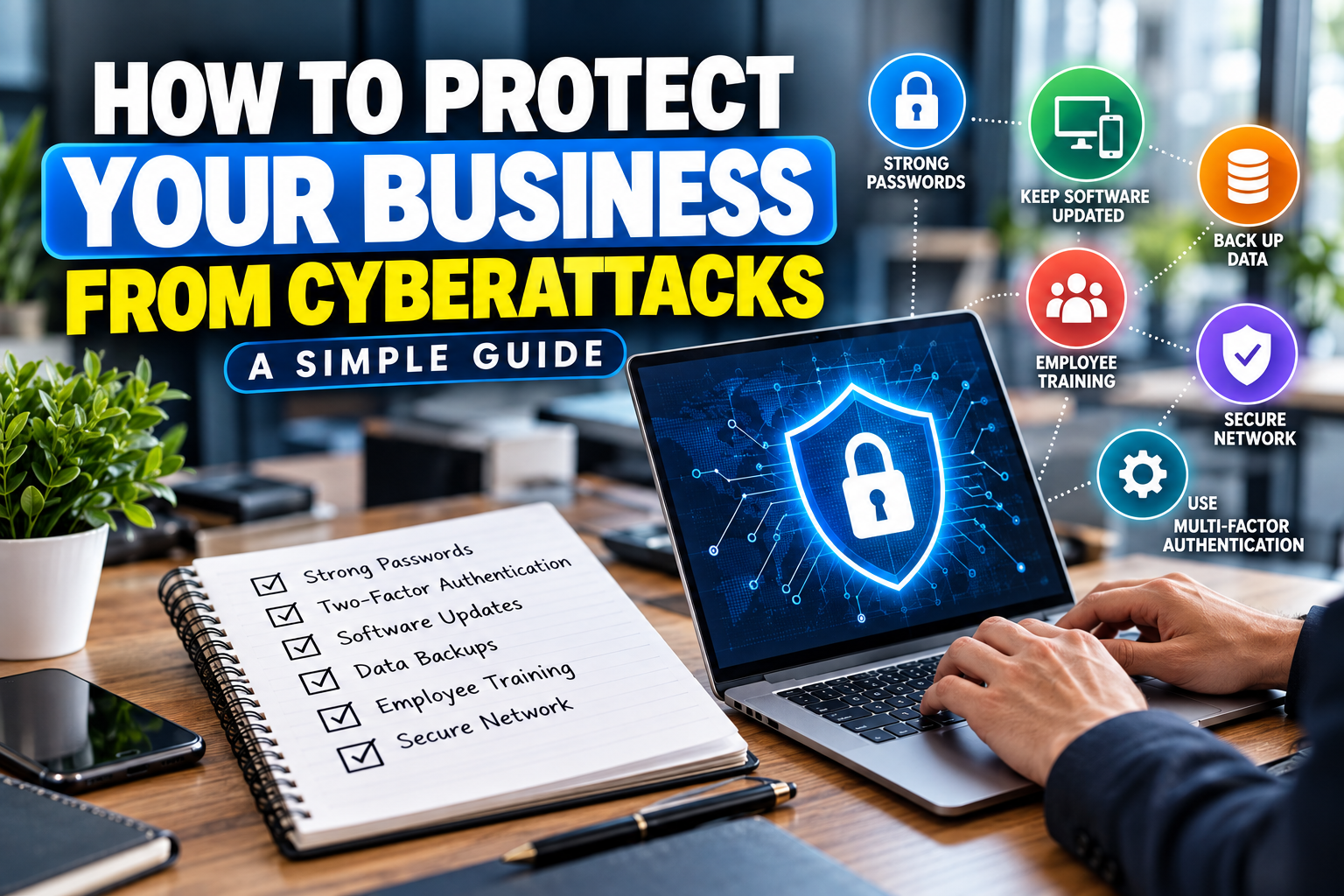
Cyberattacks can affect businesses of every size. A successful attack can disrupt operations, expose sensitive information, or create unexpected financial and recovery costs. For small businesses, having basic cybersecurity practices in place can make it harder for attackers to gain access to important systems and data.
If you are wondering how to protect your business from cyberattacks, you do not necessarily need a complicated security system to get started. Strong authentication, updated software, secure backups, employee training, and a clear response plan can provide an important foundation for business security.
What Is a Cyberattack?
A cyberattack is an attempt to gain unauthorized access to computers, networks, accounts, or data. Attackers may use methods such as phishing emails, stolen passwords, malware, ransomware, or other techniques to compromise a business.
The exact risks depend on the type of business, the information it handles, and the technology it uses. Understanding those risks is the first step toward creating a practical cybersecurity strategy.
Why Small Businesses Need Cybersecurity
Small businesses may have fewer resources dedicated to cybersecurity, while still handling valuable information such as customer details, financial records, employee information, and account credentials.
A cybersecurity plan can help businesses:
- Protect important data
- Reduce unauthorized account access
- Keep systems and software updated
- Prepare employees to recognize common scams
- Recover more quickly after an incident
- Reduce disruption to business operations
Cybersecurity is not a one-time task. Businesses need to review and improve their security practices as their technology and risks change.
1. Use Strong and Unique Passwords
Weak or reused passwords can make it easier for attackers to access business accounts. Use strong, unique passwords for important accounts and avoid using the same password across multiple services.
The FTC recommends long, unique passwords and advises businesses not to reuse passwords or share them with others.
A password manager can also help employees create and manage unique passwords without having to remember every one individually.
For important business accounts, make sure default passwords are changed immediately when setting up new software, devices, or services.
2. Enable Multi-Factor Authentication
Multi-factor authentication, often called MFA, adds another verification step beyond a password.
For example, a user may need to enter a temporary code from an authentication app or use a security key after entering their password.
MFA can provide additional protection if a password is stolen because an attacker may still need the second authentication factor to access the account. The FTC recommends using MFA to protect sensitive business information.
Prioritize MFA for:
- Business email
- Financial accounts
- Cloud services
- Website administration
- Customer databases
- Remote-access systems
3. Keep Software and Devices Updated
Outdated software can contain known security vulnerabilities. Regular updates can provide important security fixes and patches.
Keep your:
- Operating systems
- Web browsers
- Business applications
- Security software
- Website software
- Routers and network equipment
up to date.
Where practical, enable automatic updates so important security patches are not forgotten. The FTC recommends regularly updating software and automating updates when possible.
4. Train Your Employees
Employees are an important part of your cybersecurity strategy. Even strong technical security measures can be undermined if someone accidentally provides credentials to a scammer or opens a malicious attachment.
Train employees to recognize:
- Suspicious emails
- Unexpected attachments
- Fake login pages
- Unusual payment requests
- Suspicious links
- Requests for passwords or sensitive information
Employees should also know how to report suspicious activity quickly.
Regular security training can help keep cybersecurity practices part of normal business operations.
5. Protect Your Business Devices
Business laptops, smartphones, tablets, and other devices can contain sensitive information. Protect them with strong passwords or other secure authentication methods.
Consider using:
- Device encryption
- Screen locks
- Security software
- Automatic updates
- Access controls
- Remote-management tools where appropriate
Limit access to sensitive information to employees who actually need it for their work.
The FTC recommends protecting devices and encrypting devices or storage that contain sensitive information.
6. Back Up Important Business Data
Regular backups can help your business recover after data loss, ransomware, hardware failure, or other incidents.
Important information may include:
- Customer records
- Financial documents
- Business databases
- Website files
- Contracts
- Employee records
- Important project files
Do not rely on a single copy of important data. Consider maintaining backups that are separated from your primary network so an attack cannot easily affect both the original files and their backups.
The FTC recommends regularly backing up important files and keeping backups appropriately separated from the network.
7. Secure Your Business Wi-Fi Network
Your business network should be protected with strong authentication and current security settings.
Change default router credentials and use modern Wi-Fi security such as WPA2 or WPA3 where supported.
If customers or visitors need Wi-Fi access, consider providing a separate guest network instead of allowing them to connect directly to the primary business network.
The FTC recommends changing default router credentials, using appropriate Wi-Fi encryption, and separating guest access from the primary business network.
8. Be Careful With Phishing Emails
Phishing attacks attempt to trick people into revealing information, clicking malicious links, opening dangerous attachments, or sending money.
Before responding to an unexpected request, check:
- Who actually sent the message
- Whether the email address is correct
- Where a link leads
- Whether the request is unusual
- Whether the sender is creating unnecessary urgency
If someone asks for sensitive information or a financial transaction, verify the request using a trusted communication method rather than relying only on the message you received.
Employee training and regular backups are among the measures the FTC recommends for reducing the impact of phishing attacks.
9. Limit Access to Sensitive Information
Not every employee needs access to every business system or file.
Use access controls to give employees only the permissions they need to perform their responsibilities. Review access when employees change roles or leave the company.
This can reduce the number of accounts that can reach sensitive information and limit the potential impact of a compromised account.
10. Create an Incident Response Plan
Even with good security practices, businesses should prepare for the possibility of an incident.
Create a simple plan explaining:
- Who should be contacted
- Which systems should be isolated
- How important data will be recovered
- How customers will be informed if necessary
- Which external security professionals may be contacted
- Which authorities or regulators may need to be notified
The exact response depends on the type and severity of the incident. Having responsibilities documented in advance can reduce confusion during an emergency.
The FTC recommends developing an incident-response plan that addresses data protection, business continuity, and customer notification where appropriate.
Common Cybersecurity Mistakes to Avoid
Small businesses can improve their security by avoiding common mistakes such as:
- Reusing passwords across multiple accounts
- Ignoring software updates
- Failing to use MFA on important accounts
- Keeping only one copy of important data
- Giving employees unnecessary access
- Ignoring suspicious emails
- Using default router passwords
- Failing to train employees
- Having no incident-response plan
Cybersecurity works best as an ongoing business process rather than a one-time setup.
Small Business Cybersecurity Checklist
Use this quick checklist to review your basic security practices:
- Use strong and unique passwords
- Enable MFA on important accounts
- Keep software updated
- Back up important data regularly
- Train employees about phishing
- Protect business devices
- Secure your Wi-Fi network
- Limit access to sensitive information
- Review third-party and vendor access
- Create an incident-response plan
Frequently Asked Questions
Q1: How can a small business protect itself from cyberattacks?
Ans: Start with strong passwords, MFA, software updates, regular backups, employee training, secure networks, and access controls.
Q2: What is the most important cybersecurity step for a small business?
Ans: There is no single step that protects against every threat. A combination of strong authentication, updated software, backups, employee training, and access controls provides a stronger foundation.
Q3: Should small businesses use multi-factor authentication?
Ans: Yes. MFA adds another verification step beyond a password and can provide additional protection for sensitive business accounts.
Q4: How often should a business back up its data?
Ans: The appropriate frequency depends on how often your data changes and how much information you could afford to lose. Important business data should be backed up regularly and the recovery process should be tested.
Q5: What should employees do if they receive a suspicious email?
Ans: They should avoid clicking suspicious links or opening unexpected attachments and report the message according to the company’s security procedures.
Final Thoughts
Knowing how to protect your business from cyberattacks starts with practical security habits. Use strong authentication, keep software updated, back up important information, train employees, protect business devices, and limit access to sensitive data.
No single security measure can eliminate every cyber risk. A combination of preventive controls, employee awareness, regular reviews, and an incident-response plan can help your business prepare for and respond to cybersecurity problems more effectively.